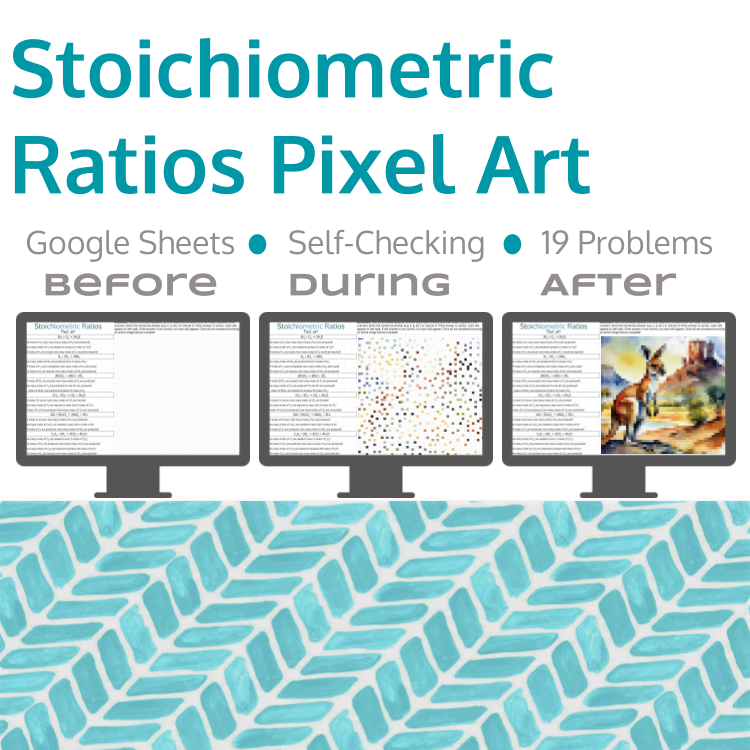
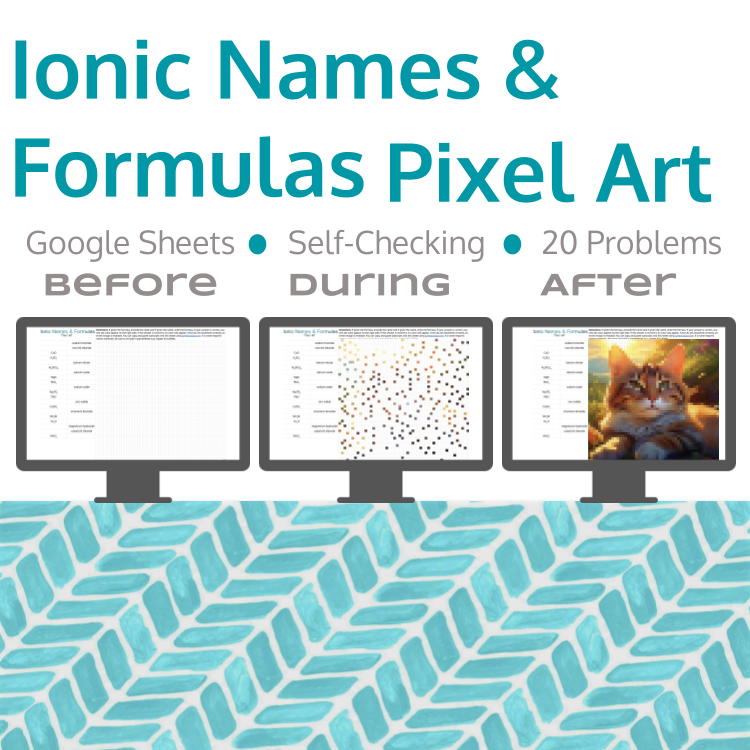
Are you looking for an engaging way for students to practice assigning states of matter to chemical reactions? This pixel art includes 10 single-replacement and double-replacement reactions for students to assign states of matter. Students will determine the state of matter of each substance, including solids (s), liquids (l), and gases (g) as well as aqueous substances (aq).
Students should be familiar with the use of solubility rules or be able to use a solubility rule chart to assign states of matter for ionic substances in single- and double-replacement reactions.
This resource can be used for distance learning, or as guided practice after in-class instruction, or for review. Both you and your students must have a Google account and access to the internet to use this resource.
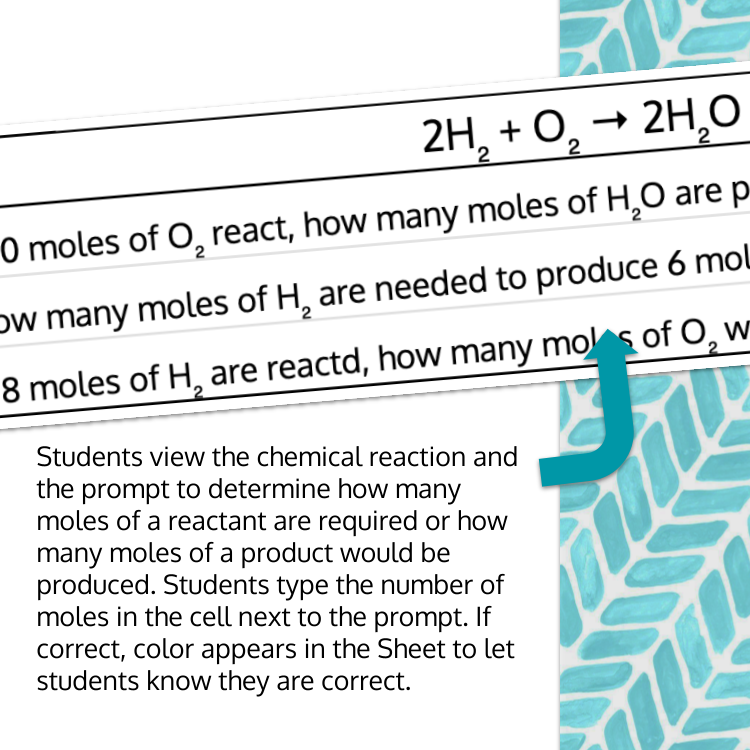
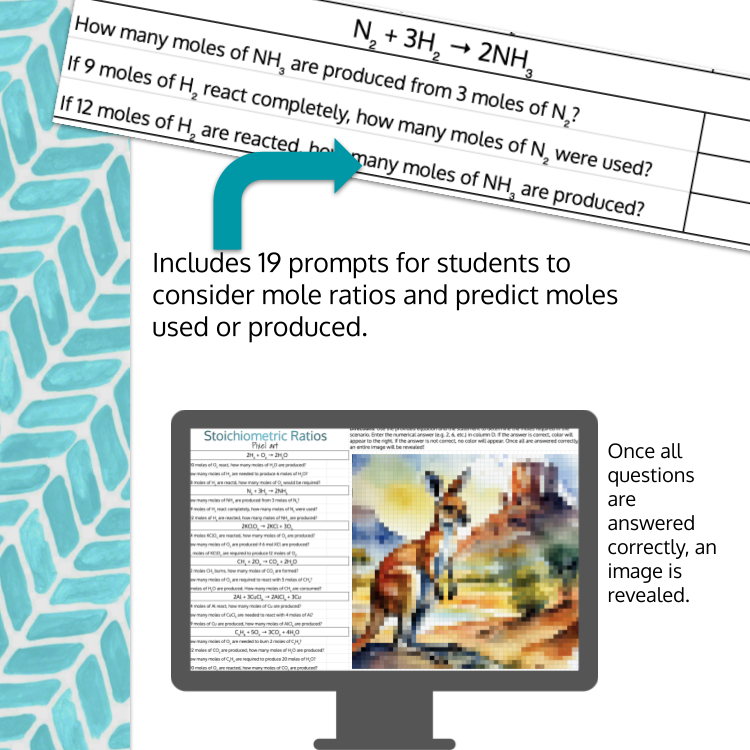
Color will appear to the right to indicate each correct answer. If the selection is incorrect, no colors will appear. Once all problems are completed correctly, an entire picture appears.
This resource includes both the student Google Sheet document and the Key.
Join my email list and receive four self-checking ideas, along with four FREE self-checking products and/or templates.
Let's connect on Instagram.
Are you looking for an engaging way for students to practice assigning states of matter to chemical reactions? This pixel art includes 10 single-replacement and double-replacement reactions for students to assign states of matter. Students will determine the state of matter of each substance, including solids (s), liquids (l), and gases (g) as well as aqueous substances (aq).
Students should be familiar with the use of solubility rules or be able to use a solubility rule chart to assign states of matter for ionic substances in single- and double-replacement reactions.
This resource can be used for distance learning, or as guided practice after in-class instruction, or for review. Both you and your students must have a Google account and access to the internet to use this resource.
Color will appear to the right to indicate each correct answer. If the selection is incorrect, no colors will appear. Once all problems are completed correctly, an entire picture appears.
This resource includes both the student Google Sheet document and the Key.
Join my email list and receive four self-checking ideas, along with four FREE self-checking products and/or templates.
Let's connect on Instagram.

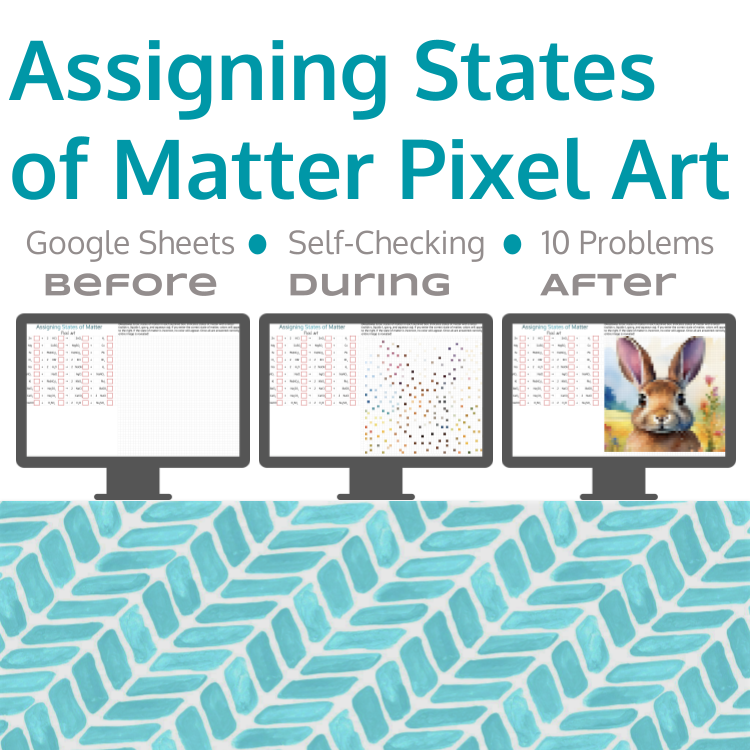 Image 1 of 3
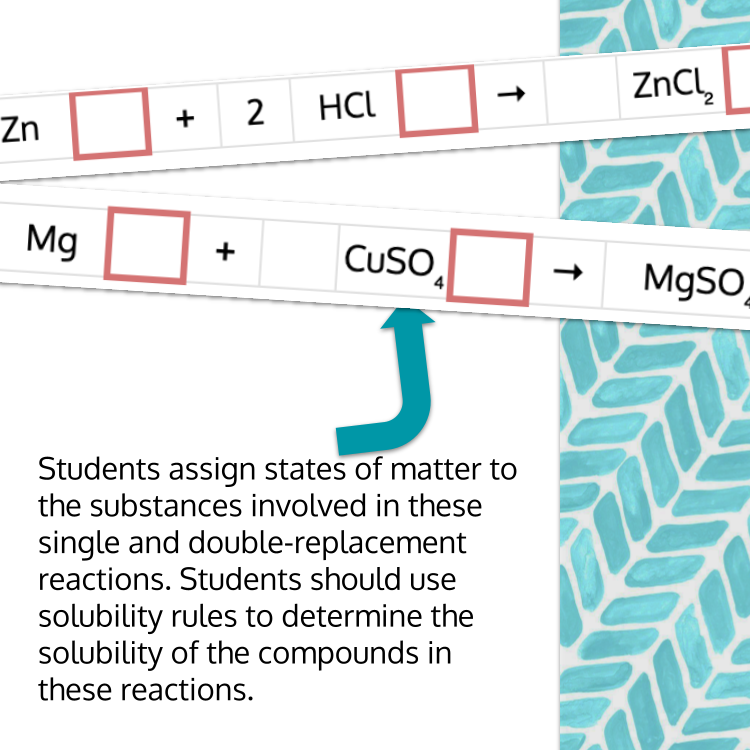 Image 2 of 3
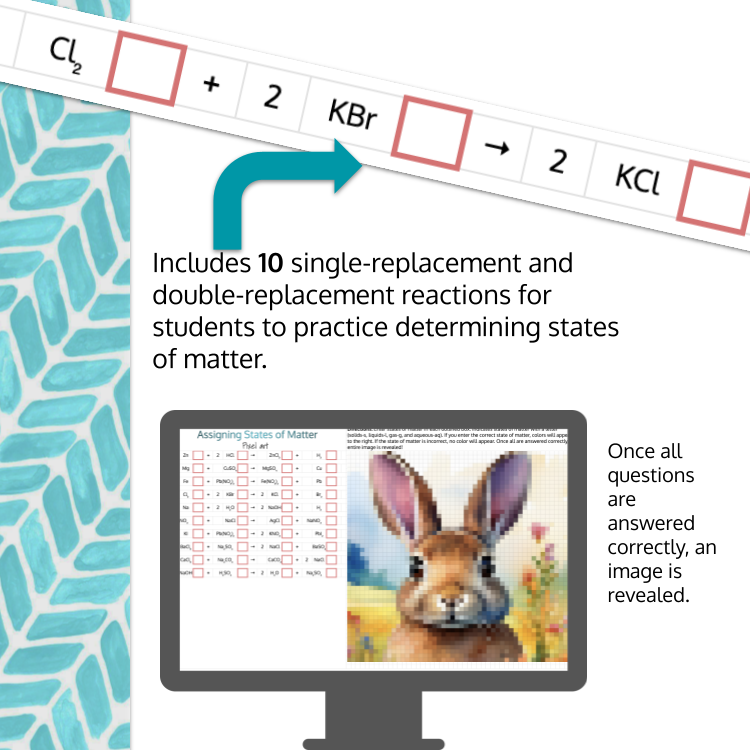 Image 3 of 3